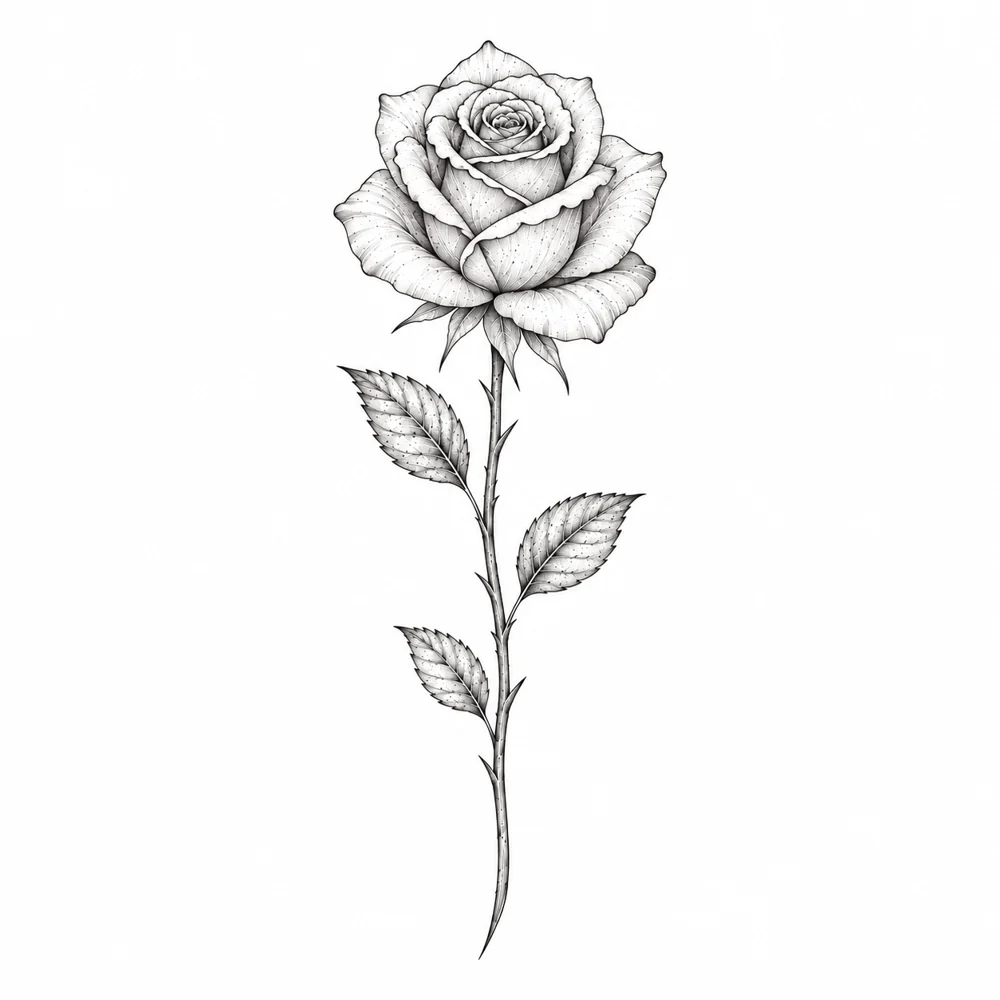
A single rose with a long stem and three leaves, black ink on a white background.Reference · (optional)
Describe your idea
Describe your tattoo. Add an optional reference image, then choose a style and detail level.
Describe a tattoo. Keep refining it.
Describe your idea, or make one of these your own.

A single rose with a long stem and three leaves, black ink on a white background.
Your latest AI Tattoo Generator results.
Your generated designs will appear here automatically.
FROM AN IDEA TO YOUR FIRST DESIGN
Describe your idea, generate a tattoo, and download the design you like.
A single rose with a long stem and three leaves, black ink on a white background.Reference · (optional)
Describe your tattoo. Add an optional reference image, then choose a style and detail level.
V01 · OriginalClick Generate tattoo. Your result appears on the canvas and in My Gallery.
Select your result and choose Download. You can return to the project to keep exploring.
KEEP THE IDEAS WORTH KEEPING
Every generation adds a separate image. Choose a workflow to see how your earlier designs stay on the canvas.
Watch the workflow
Choose Edit for this original line-art rose.
Actual platform recording · Generation wait shortenedWriting tip: Say what to change and what to keep from the selected design.
Color the petals rich crimson red with natural shading, and the leaves and stem emerald green. Keep the existing black outlines, composition and all three leaves.
No. Describe your idea and choose a style. You can optionally upload a reference or select a design already on your canvas.
No. Every generation adds a separate image. Edit this design creates a linked variation; New design starts an independent idea.
Canvas layouts and drafts are automatically saved in this browser for the current account. Images are stored in My Gallery. Guest images expire after 7 days unless claimed by signing in. Canvas layouts do not sync between browsers.
Yes. Select an image and choose Use as reference. Describe a new design, follow the reference style or choose another style, then generate.
Each generation uses 4 credits, including edits and reference-based designs. Style and detail choices do not change the credit cost.
No. Start with a short description of your subject and the details that matter. Choose a style with Style. For edits, say what to change and what to keep. For a reference-based design, describe your new subject and what to borrow from the reference. Refine your prompt after reviewing the result.