Tattoo Ideas Forearm Tattoo Ideas

Forearm Tattoo Ideas

Explore forearm tattoos by placement, style and theme. Compare designs, then try your favorite on your own arm.

Compare inner and outer placement

Choose forearm tattoos by looking at the shape of your arm, the direction of the artwork and how visible you want it to be. Compare the inner and outer surfaces before deciding on a design. The same idea can read differently when you turn your wrist or relax your arm.

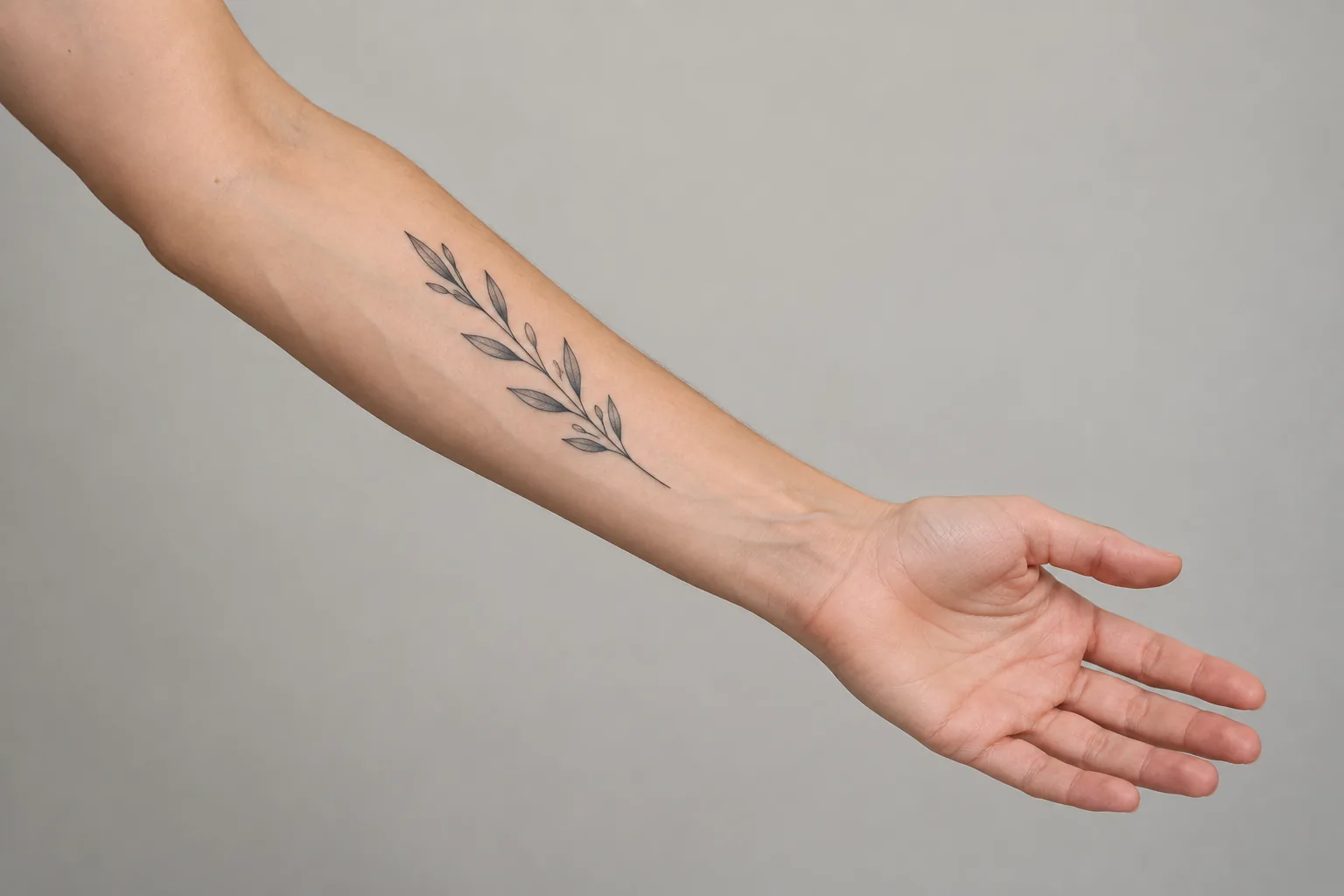
AI-created inner forearm placement reference with palm facing up and a fine-line botanical tattoo.

Inner forearm

Inner forearm tattoos can work well as a starting point for vertical flowers, lettering and personal symbols. Compare how a narrow design follows the length of your arm, then rotate your wrist to see where the edges sit. Leave room around the motif rather than making it fill every available space. Use your own photo to check the composition, and bring the placement reference to your tattoo artist.
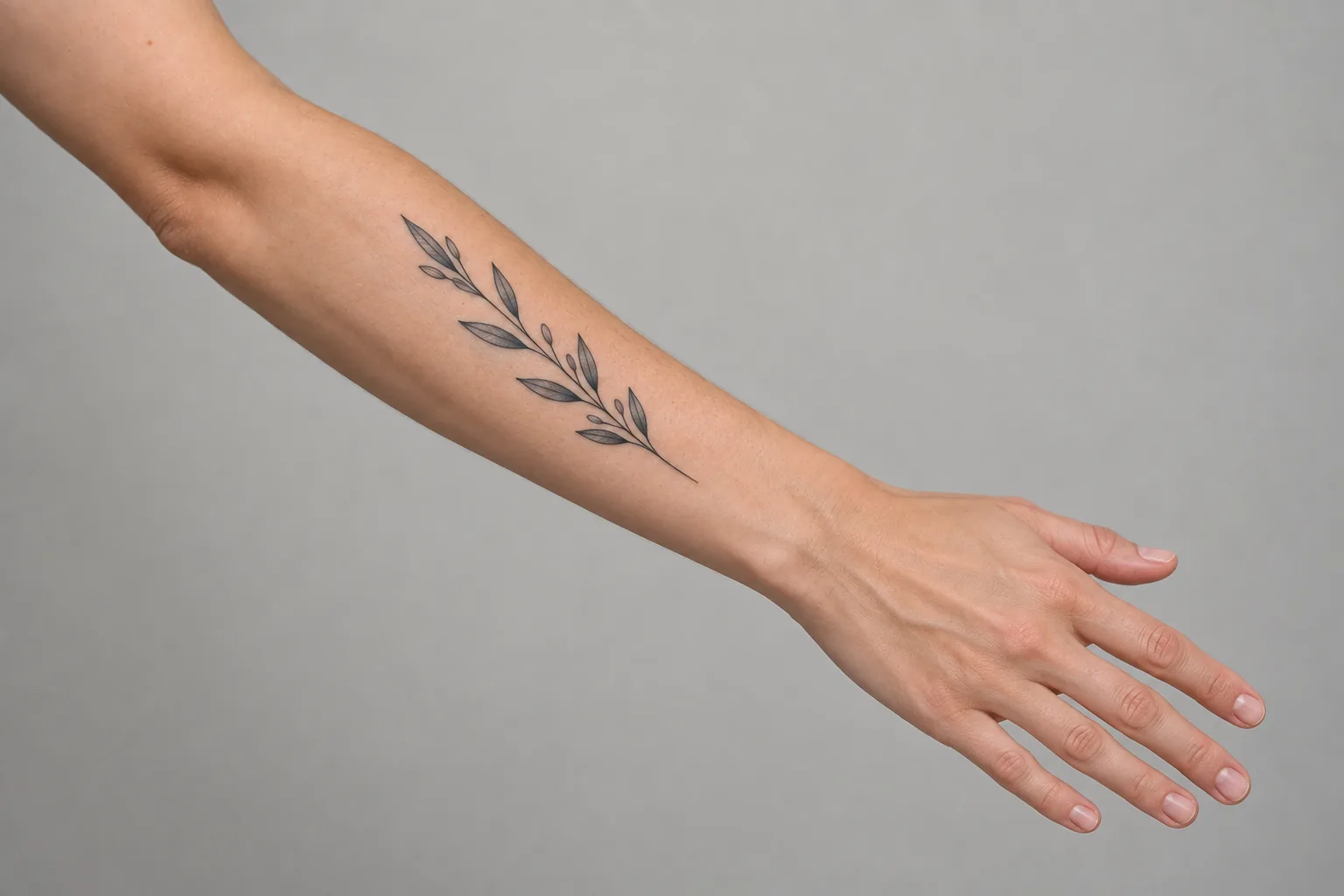
AI-created outer forearm placement reference with the back of the hand facing up and a fine-line botanical tattoo.

Outer forearm

Outer forearm tattoos are worth comparing with your arm relaxed as well as turned toward the camera. Longer compositions can follow the space between your elbow and wrist, while a wider motif may appear to wrap around the arm. Check whether the main subject stays readable from the angle you prefer. An illustrative gallery image helps you shortlist ideas; your own arm photo is the next step.

Explore tattoo styles

Compare styles for forearm tattoos by their line weight, filled areas and use of open space. Fine-line uses delicate outlines; Blackwork uses stronger black shapes. Traditional uses bold outlines and color, while Japanese designs can use flowing compositions. For lifelike detail and tonal shading, choose Realistic in Image to Tattoo. Filter this gallery to compare its available styles, then clear the filter to explore other designs.

Explore Realistic in Image to Tattoo

How to compare forearm tattoos

Shortlist a few ideas before creating a variation. Comparing a consistent placement and scale makes it easier to tell whether you prefer the subject, the style or both.

Start with the subject

Use the theme filter to choose botanical, nature, geometric or celestial motifs. A flower, moth or compass gives you a clear starting point for comparing silhouettes. For forearm tattoos with a personal meaning, write down what you want to keep before changing the style: the number of elements, their arrangement or a particular symbol. Open a design to review its description and placement notes. These are original AI-created ideas rather than photographs of finished tattoos.

Check size and direction

For small forearm tattoos, check whether the main shape is still easy to recognize at the scale you want. Try a larger version too, especially when a design has fine internal lines or several elements. Keep the same angle when comparing two sizes, then rotate the artwork to follow the length of your arm. A preview cannot establish the smallest workable size. Your tattoo artist can help decide which details to keep and how much space the design needs.

Preview, then create a variation

Open a design and choose Try on my arm to load it in the existing Try-On tool. Upload your own body photo and adjust the artwork there; use a clear view of the intended placement so you can compare scale and orientation. If you want a different visual treatment, choose Create a similar design to use the artwork as an Image to Tattoo reference. Review the style and credit cost in that tool before generating. Discuss the final artwork and placement with your artist.

Forearm Tattoo Ideas FAQ

Compare the design at a few scales on your own arm. Look at the overall shape and spacing, then discuss the final size and detail with your tattoo artist.