
Tattoo Ideas
Explore tattoo designs by where you want to wear them. Start with the forearm, hand and finger collections to compare styles and placements. Before you commit, check the size on your own photo with the tattoo simulator, then use ideas you like as references to discuss with your tattoo artist.
By placement
Choose a body area to explore its designs and placement notes.
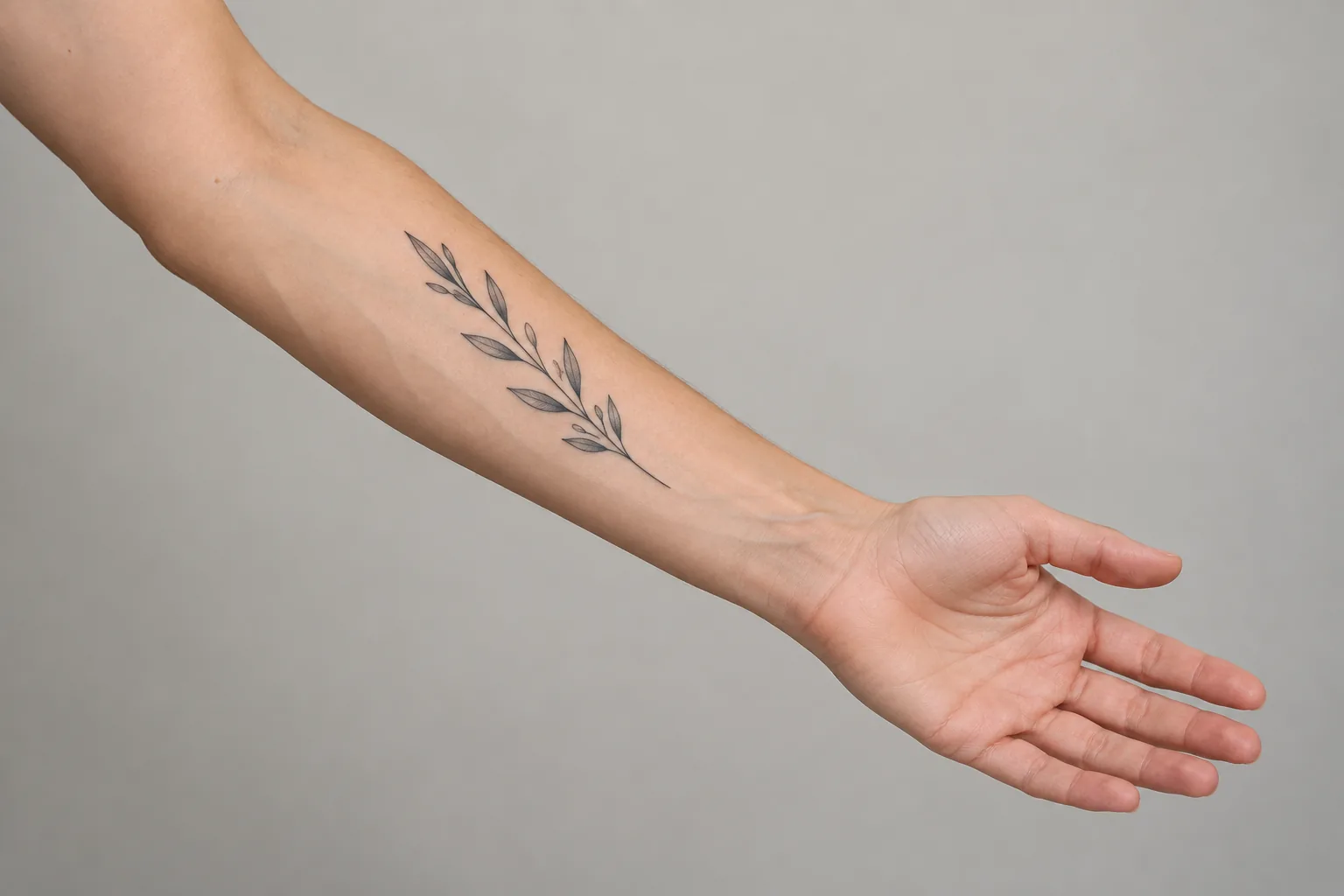
Forearm Tattoo Ideas
24 designs · Inner & outer forearm
Compare inner and outer placements as your wrist turns, and consider how a vertical design follows the length of your forearm.
Browse forearm tattoo ideas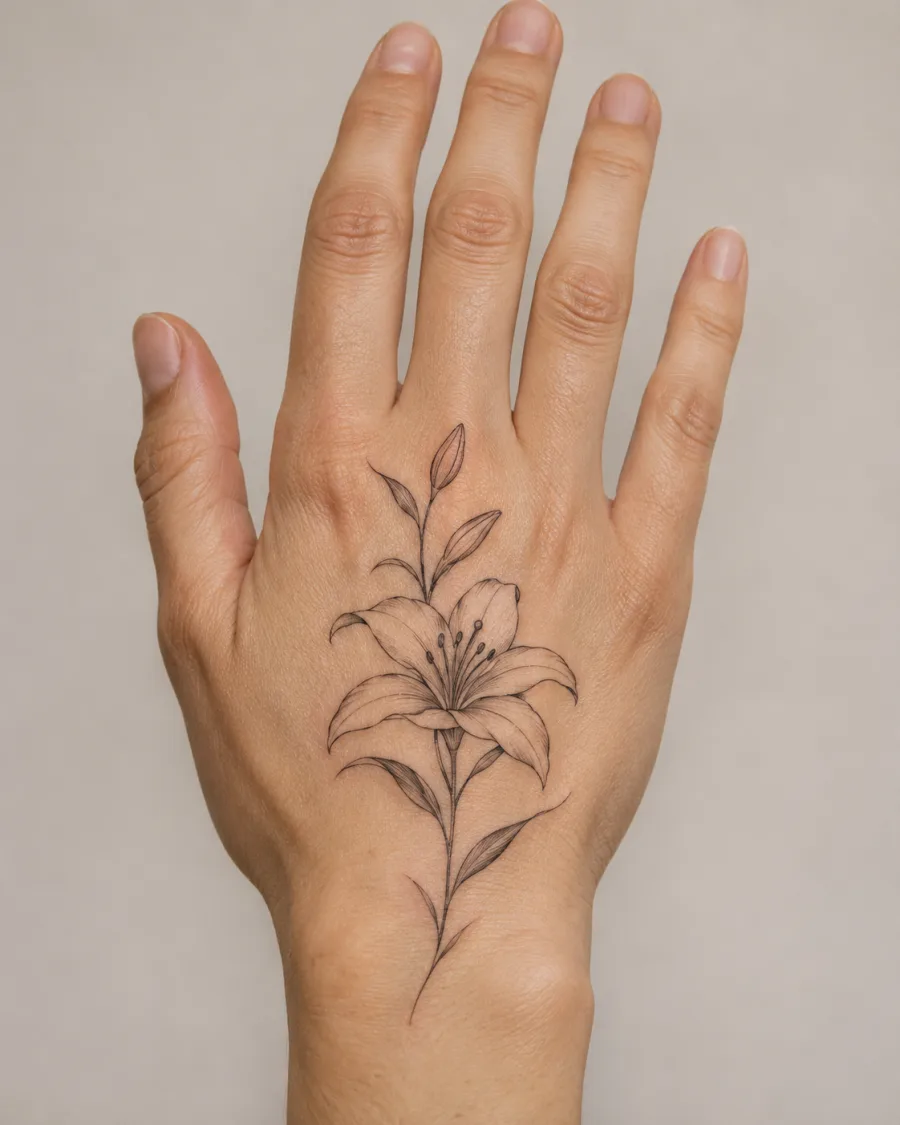
Hand Tattoo Ideas
Illustrative concepts · Back of hand
Explore a botanical centerpiece and a geometric design, and consider how each fits the back of the hand.
Browse hand tattoo ideas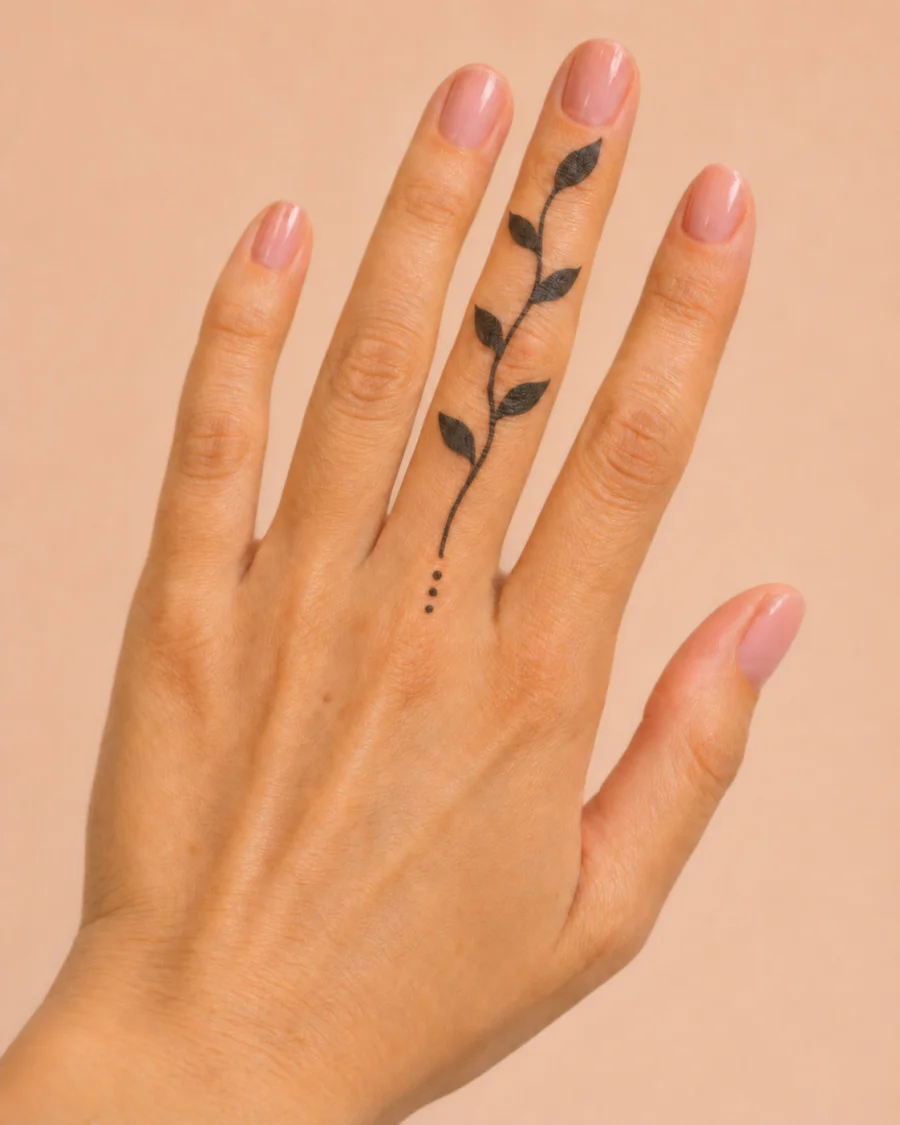
Finger Tattoo Ideas
Illustrative concepts · Finger placements
Compare small finger designs and think about line spacing, scale and placement.
Browse finger tattoo ideasPrepare a stencil draft
Have a reference image you want to explore? Use the tattoo stencil maker to turn it into a stencil draft, then review the result with your tattoo artist before printing or use.
Tattoo Ideas FAQ
Think about visibility, the space the design needs, and how the area moves. Compare a few positions on your own photo, then discuss the options with your tattoo artist.
Compare the overall shape with the available space and check whether the smallest details remain readable. A tattoo artist can advise on a workable size for your design and skin.
A stencil is a guide for transferring a design. The finished tattoo also depends on linework, shading, color, skin and the artist’s technique.
Yes. Use the designs to explain the shapes, style and placement you like. Your artist can help adapt the idea and make the final artwork suitable for tattooing.
Look at the silhouette, amount of detail and open space at the intended size. Consider how the design looks from different angles and how it relates to nearby tattoos.