
Three useful outputs from one source image
Extract a clean stencil, preserve a tattoo as a color reference, or ask AI to refine an incomplete design.
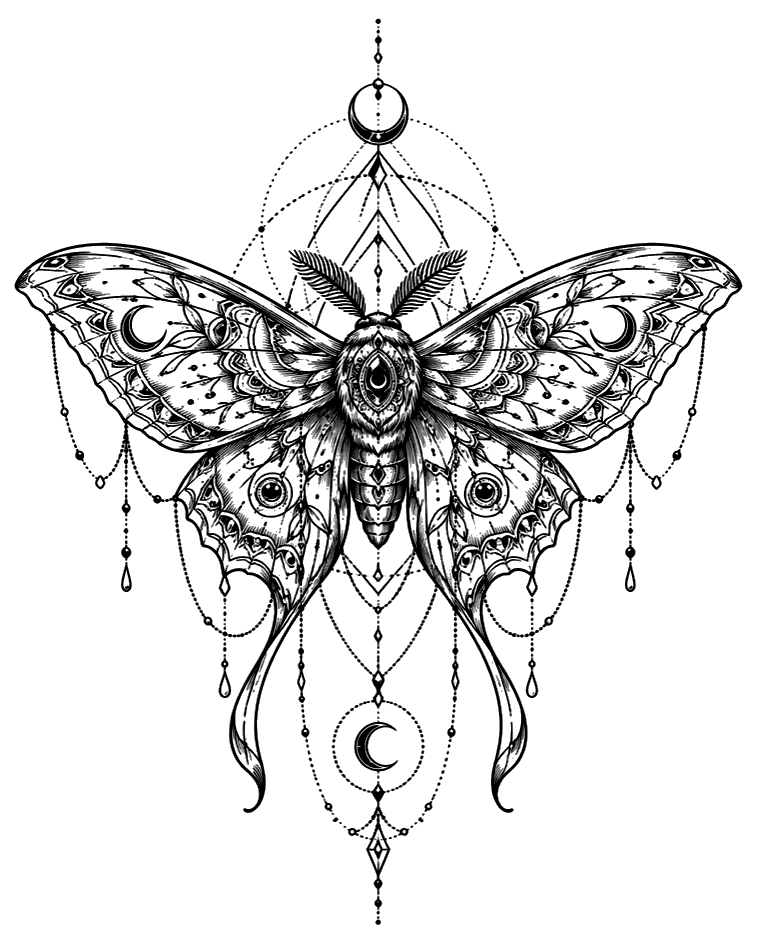
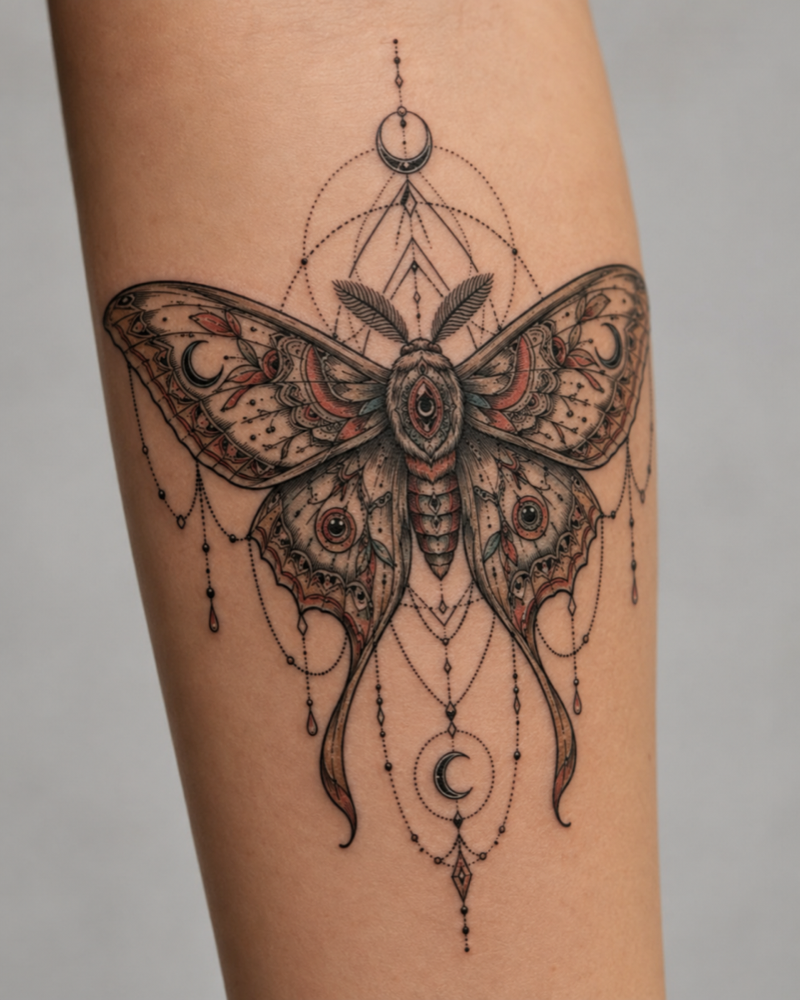
Recent tattoo outputs from this account or trial session.
No generated results yet.
Upload an image above to create your first tattoo output.
Tattoo to stencil converter
Upload existing tattoo artwork, a sketch, a flash sheet, or a reference image. Our AI tattoo stencil maker helps you create clearer linework for planning, editing, or discussing a design with your tattoo artist. Start free with trial credits, then buy a one-time credit pack when you need more generations.
Start with trial creditsHow it works
Choose the result that helps with your next step. Stencil Outline extracts clean black-and-white linework, Original Tattoo keeps a color reference, and AI Design Upgrade refines an unfinished or rough design while keeping its core idea recognizable. Each result is generated privately from your upload.
Input
JPG, PNG, WebP up to 10MB
Output modes
Stencil Outline, Original Tattoo, AI Design Upgrade
Workflow
Upload an image, choose a mode, generate, then download the result
Exports
White-background and transparent PNG downloads for every mode
AI tattoo stencil maker
Extract a clean stencil, preserve a tattoo as a color reference, or ask AI to refine an incomplete design.
Every mode includes full-resolution white-background and transparent PNG downloads for editing.
Uploads stay private in the product flow and are not shared as public gallery content. AI model providers may process images to create your requested output.
Prepare a tattoo design
Choose a JPG, PNG, or WebP tattoo design, sketch, flash sheet, or reference photo.
Pick Stencil Outline, Original Tattoo, or AI Design Upgrade based on what you need next.
Generate with a visible credit cost, then download the result without another charge.
Example output
A good reference image gives our tattoo to stencil converter clearer shapes to work with. Start with the artwork centered in the frame, keep the important lines visible, and crop away distracting background details when possible.
Create your tattoo stencilPrepare a better reference
A tattoo stencil helps you discuss shape, scale, and placement before an appointment. Start with a phone photo, sketch, flash sheet, or reference image that shows the artwork clearly.
Use a well-lit image with enough contrast. Avoid glare, motion blur, and extreme shadows, and keep the complete design inside the frame.
Crop away tables, clothing, and unrelated objects when possible. A simple composition helps the AI focus on the lines you want to keep.
Choose Stencil Outline for clean black-and-white linework, Original Tattoo for color and detail, or AI Design Upgrade for an unfinished concept.
Clients can organize inspiration before contacting a studio. Artists can turn an older photo, rough drawing, or flash design into a clearer starting reference. Download a white-background image for discussion or a transparent PNG for editing. The result supports an artist’s review; it does not replace their judgment.
Check for missing edges, merged shapes, glare, and details that became too heavy. Compare the result with the original, then ask a qualified tattoo artist to confirm placement, size, orientation, and line weight before tattooing.
FAQ
Practical answers about starting free, preparing an image, and using your tattoo stencil output.
Yes. Start free with trial credits to try the tattoo stencil maker online. If you need more generations, you can buy a one-time credit pack. There is no subscription, and the credit cost is shown before each generation.
Upload a tattoo photo, sketch, or reference image, choose Stencil Outline, and generate your linework. Compare the result with your original, then download a white-background or transparent PNG. Ask your tattoo artist to review the size, line weight, and details before using it for an appointment.
Use a clear JPG, PNG, or WebP tattoo photo, sketch, flash sheet, or reference image. Crop close to the artwork and keep the lines and contrast readable for cleaner stencil linework. The uploader accepts images up to 10MB; simple, well-lit references usually give the easiest results to review.
Every generated result includes both a white-background PNG and a transparent PNG for editing. Use the white version when you want to compare or discuss the design, and use the transparent version when you need to place the linework in another design tool.
Use the result as a design-preparation reference, not as a final tattoo transfer sheet. Before tattooing, ask your artist to confirm the scale, line weight, placement, orientation, and any details that need adjusting for skin or technique.
No. Uploads stay private in the product flow and are not shared as public gallery content. AI model providers may process images to produce your requested output; we do not sell private uploads as training data. Only upload artwork or photos you have permission to use, and review the Privacy Policy for the current data-handling details.
One-time credits
One-time packs sized for simple launch pricing. Paid credits never expire. Every generated result includes both white-background and transparent PNG downloads.